-e1742971339568.png)
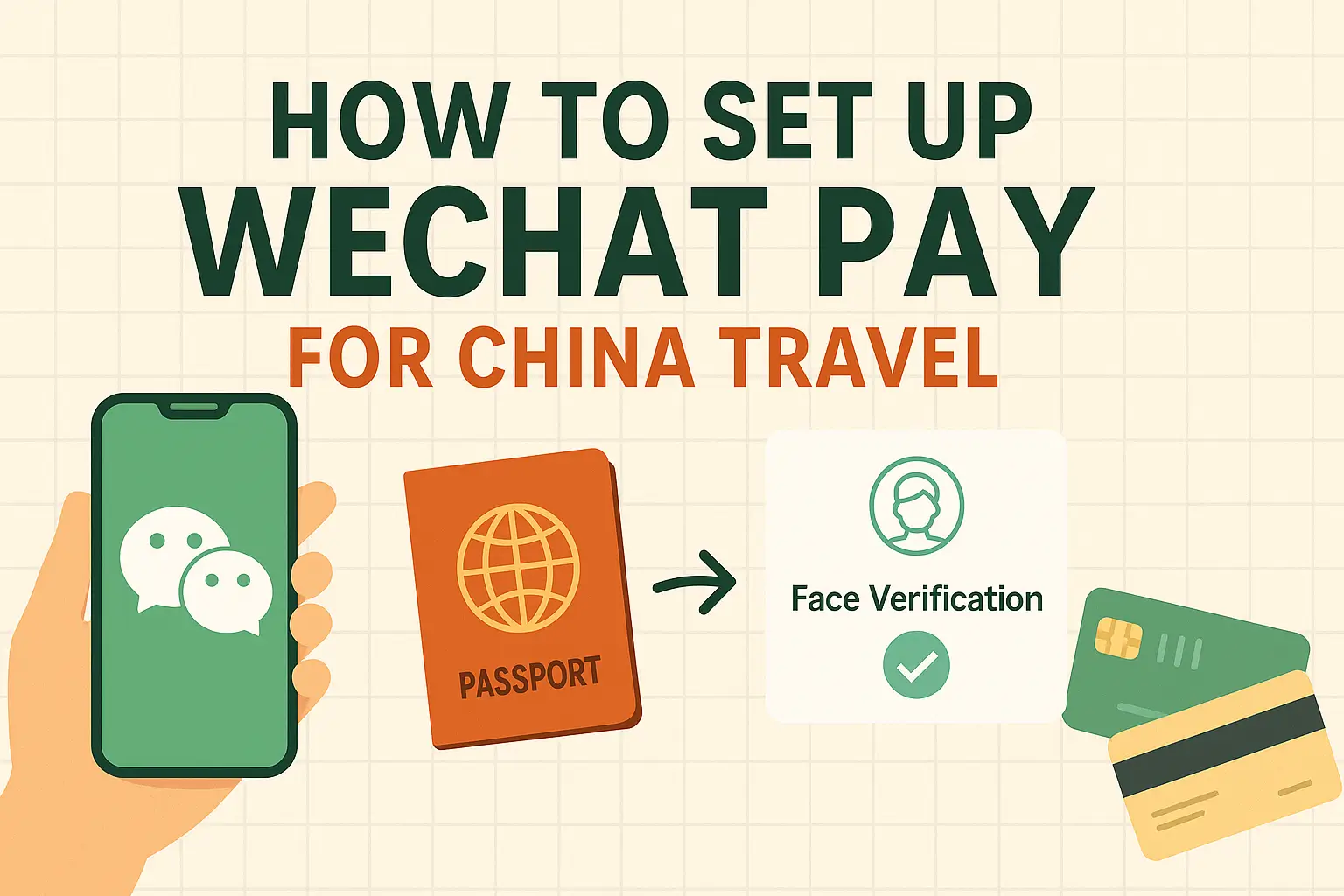
Quick answer: Foreign visitors can often use WeChat Pay in China by linking an international bank card inside WeChat, but you should set it up before the trip, test it with a small payment, and keep Alipay, a bank card, and some cash as backups. Payment rules and app flows can change, so treat this as a preparation checklist rather than a guarantee.
Why WeChat Pay matters in China
In many Chinese cities, mobile payment is part of ordinary daily life. Small restaurants, taxis, convenience stores, metro services, vending machines, attractions, and local shops often expect QR payment. WeChat Pay is important because it sits inside WeChat, the app many people already use for messaging, mini programs, bookings, and local services.
That does not mean every foreign visitor will have a perfect setup. Card support, verification prompts, transaction limits, merchant settings, and network conditions can all affect whether a payment works. The safe approach is to prepare early and never rely on one payment method only.
What official guidance says
China’s official payment-service guidance for overseas visitors says mobile payment services such as Alipay, WeChat Pay, and UnionPay are available, and that foreign users can link international cards including Visa and Mastercard in Alipay and WeChat Pay. It also notes that visitors still have several payment options, including mobile payments, bank cards, and cash.
Useful source: Payment service guide for overseas visitors to China.
Setup checklist before you leave
- Install or update WeChat: use the official app store for your device.
- Complete account security: make sure you can log in, receive verification messages, and recover the account if needed.
- Open the payment wallet area: the exact path can change by app version and region, so follow the current in-app prompts.
- Link an international card: use a card you plan to carry during the trip, and check whether your bank blocks overseas or mobile-wallet transactions.
- Bring the passport used for verification: identity checks may appear during setup or higher-risk transactions.
Do this before your flight, not while standing at a taxi queue after arrival. If the app asks for extra verification, you want time to solve it calmly.
How QR payments usually work
There are two common payment flows. In one, the merchant scans your payment code. In the other, you scan the merchant’s QR code, enter the amount, and confirm. For restaurants and small shops, scanning a posted QR code is common. For supermarkets, metro machines, or chain stores, showing your code to a scanner may be faster.
Always check the amount before confirming. If a merchant asks you to switch methods, it may be because their account cannot accept your card type, their terminal is offline, or the transaction category is restricted for foreign cards.
Test it with a small real payment
The most useful test is not opening the wallet screen. It is making a small successful payment after you arrive in China. Try a convenience store, drink shop, or low-cost item first. If that works, you will feel much more confident before using WeChat Pay for taxis, meals, attractions, or late-night transport.
If it fails, do not panic. Check mobile data, app login status, card verification, bank fraud alerts, and whether the merchant can accept payments from foreign-linked cards. Then switch to Alipay, a physical card, or cash if needed.
Backup payment plan
A practical China payment setup for visitors is layered:
- Primary: WeChat Pay or Alipay, tested after arrival.
- Second option: the other major payment app, also prepared if possible.
- Physical backup: at least one international bank card.
- Cash backup: enough RMB for a taxi, simple meal, or emergency transfer.
Cash is still legal tender, but some small merchants may not have change ready. Cards may work in hotels and larger businesses but less reliably in small daily-life settings. That is why the backup plan matters.
Common failure points
- The linked card is blocked by your issuing bank.
- The app asks for extra identity verification.
- The merchant QR code does not support your card-backed payment.
- Your phone has weak data service or cannot receive verification messages.
- You are trying to pay in a mini program or service category with extra restrictions.
For most visitors, the best habit is simple: test early, keep backups, and avoid leaving payment setup until the moment you need it.